Introducing AlphaWeb Master Classes: Build, Launch and Grow Your Business by Talking to AI

Sam Olawale
November 19, 2026
Getting Claude or ChatGPT to build you a page is the easy part.
You type a sentence. A few minutes later there’s a homepage sitting in front of you, and it looks good. It might even look great.
Then the real questions turn up.
How do you change the headline without breaking everything else? How do you get the page off a preview and onto your own domain? What should it say to someone who has never heard of you?
Knowing what AI can do and knowing how to get it done are two different things.
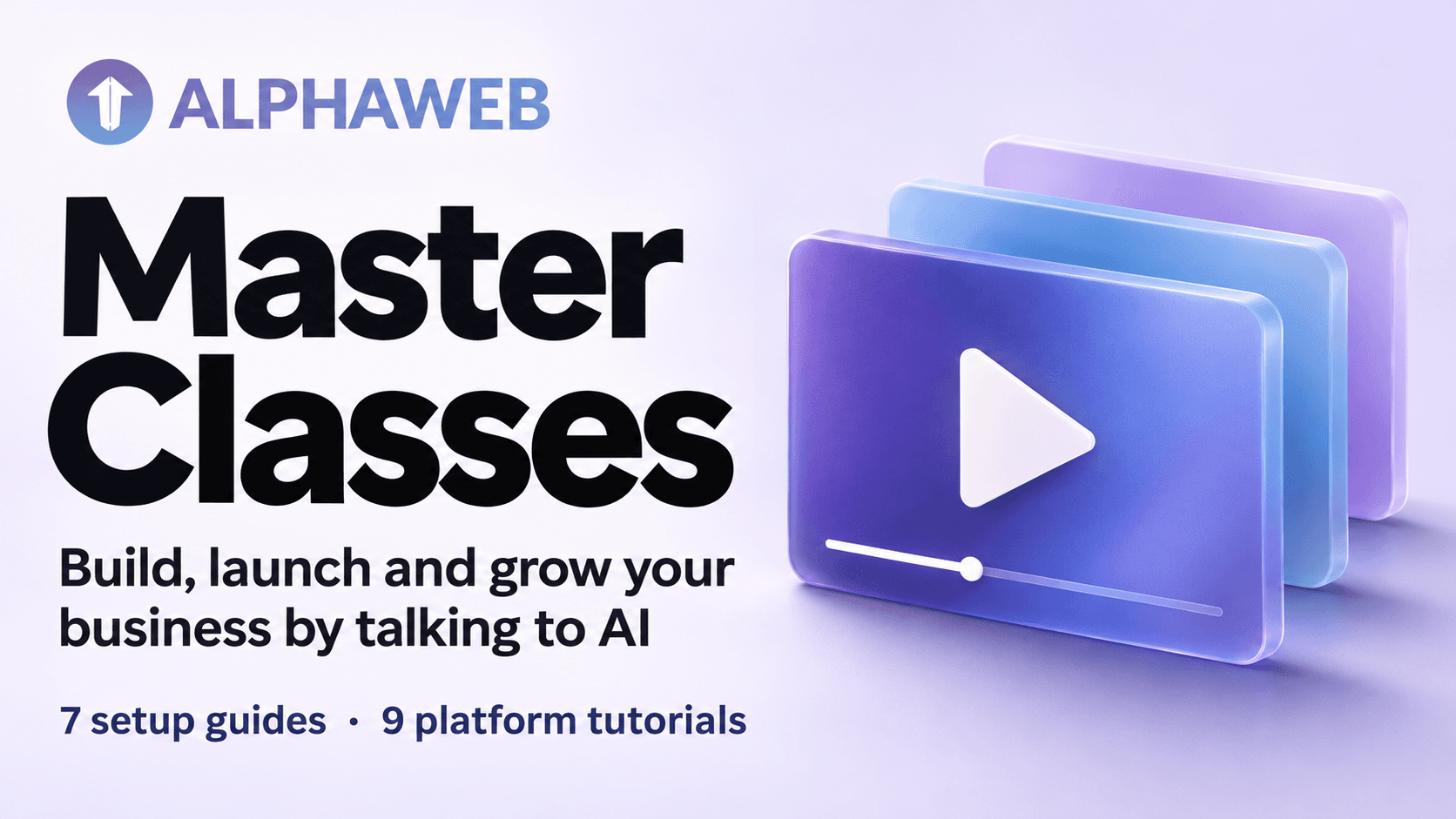
That gap is why we made AlphaWeb Master Classes, a growing library of videos and guides inside AlphaWeb that take you from a first draft to a business that sells.
Watching Beats Reading
You can read ten guides on publishing a page and still feel unsure when it’s your turn.
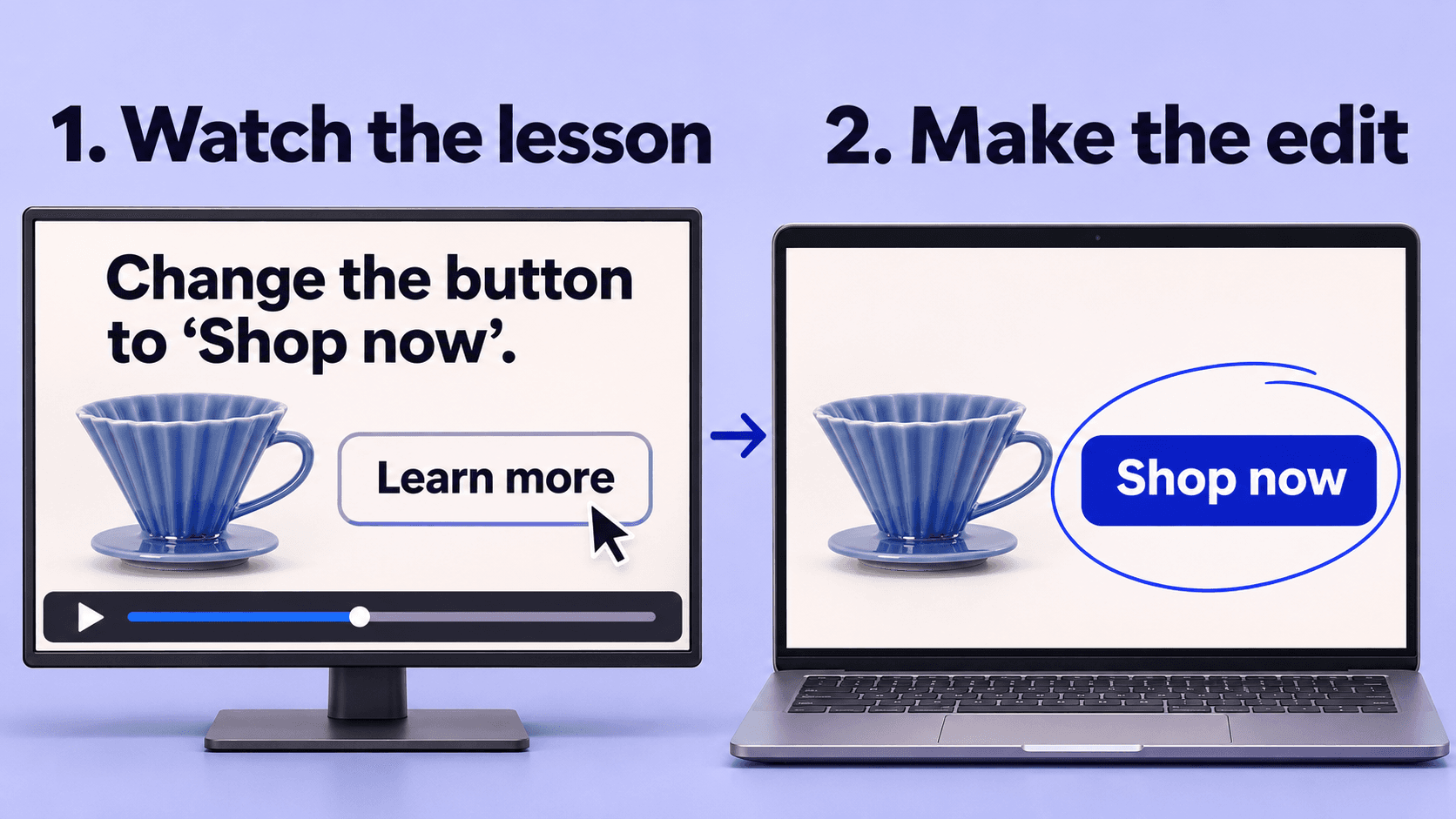
Or you can watch someone do it once, start to finish, and copy what they did.
Master Classes are built around the second option. Every video is a real build, recorded on screen. You see what gets asked of the AI, what comes back, what gets changed and why. Then you do the same for your own business.
Some videos are five minutes long and fix one problem. Others run closer to 30 and take a single idea from a blank screen to something finished.
You don’t need to be a developer, and you don’t need years of running an online store behind you. You just need to know what you want to get done.
What You Can Watch Today
Two sections are live right now, with more being added.
AlphaWeb Setup: 7 Guides
New to AlphaWeb? Start here.
These get the plumbing out of the way. Connect Claude or ChatGPT, your store, your payments and your own domain, so everything is ready before you build.
AlphaWeb Platform Tutorials: 9 Videos Live
This is where the building starts. Each video takes one job and shows you how it’s done.
- Getting around AlphaWeb: where everything lives, so you can stop hunting for it.
- Working with Claude: how to ask for what you want and get changes made.
- Understanding AWTs: what they are and how they work.
- Building from your GlowUp: taking your GlowUp design further and making it your own.
- Working with previews: how to warm up a preview and see your work.
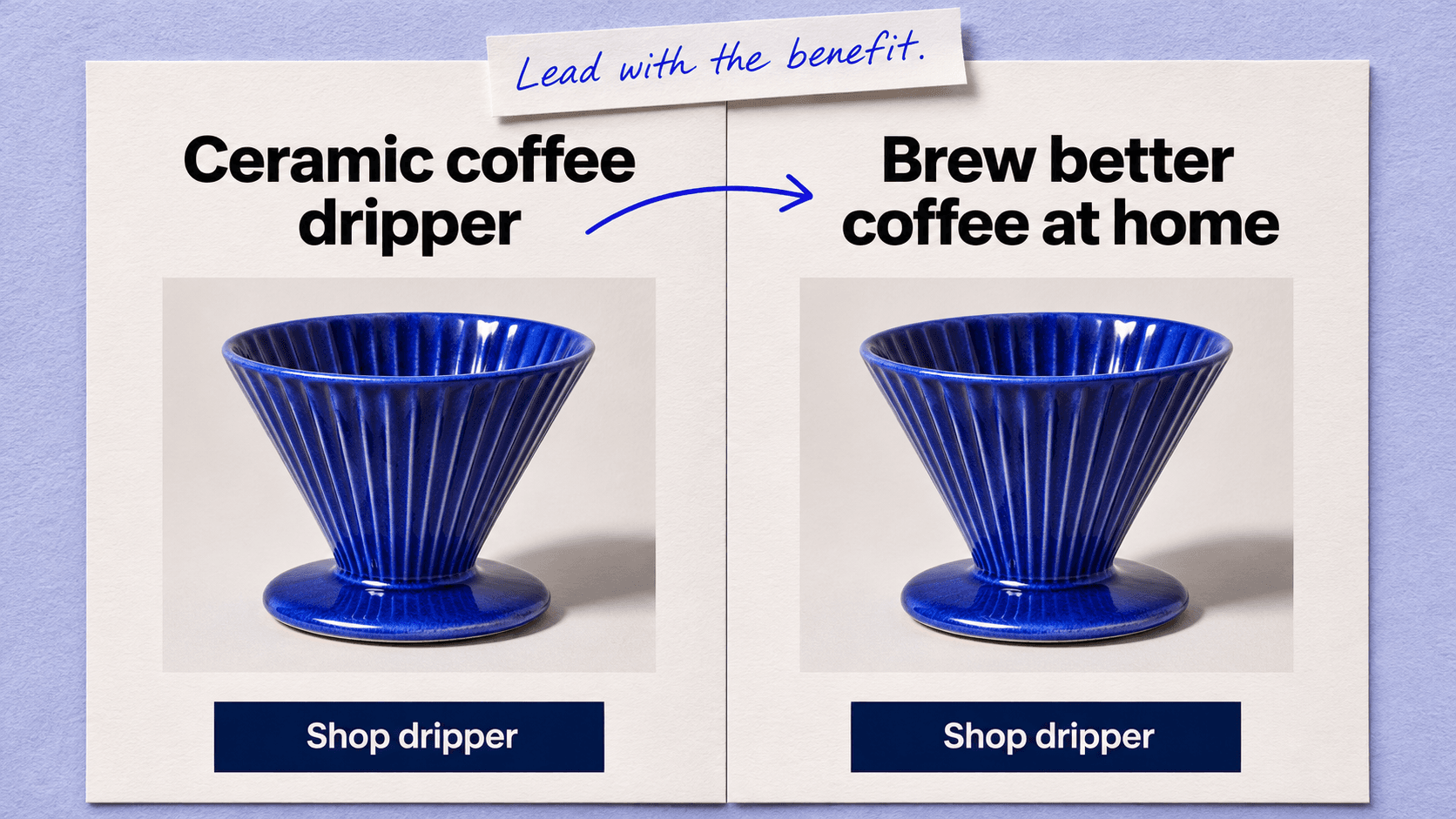
- Making edits: improving a build without starting again from scratch.
- Publishing your builds: going from preview to a live page.
- Competitor research: seeing what other brands are doing and finding ideas worth testing.
- Creating images: making visuals for your pages and your business.
Five more platform tutorials are on the way.
There’s no set order, either. If publishing is the thing you’re stuck on, watch the publishing video and come back for the rest when you need them.
Coming Soon: The Business Behind the Pages
Knowing your way around AlphaWeb gets you a page. It doesn’t tell you what to put on it.
Who are you selling to? Why would they buy from you and not the brand next to you? What turns a visitor into a customer? And how can you tell what’s working?
This is the heart of Master Classes. Seven modules are on the way, and they cover the thinking behind an ecommerce business that sells, in the order you would build one.
Module 1: Brand, Customer and Offer
Everything you build later sits on this.
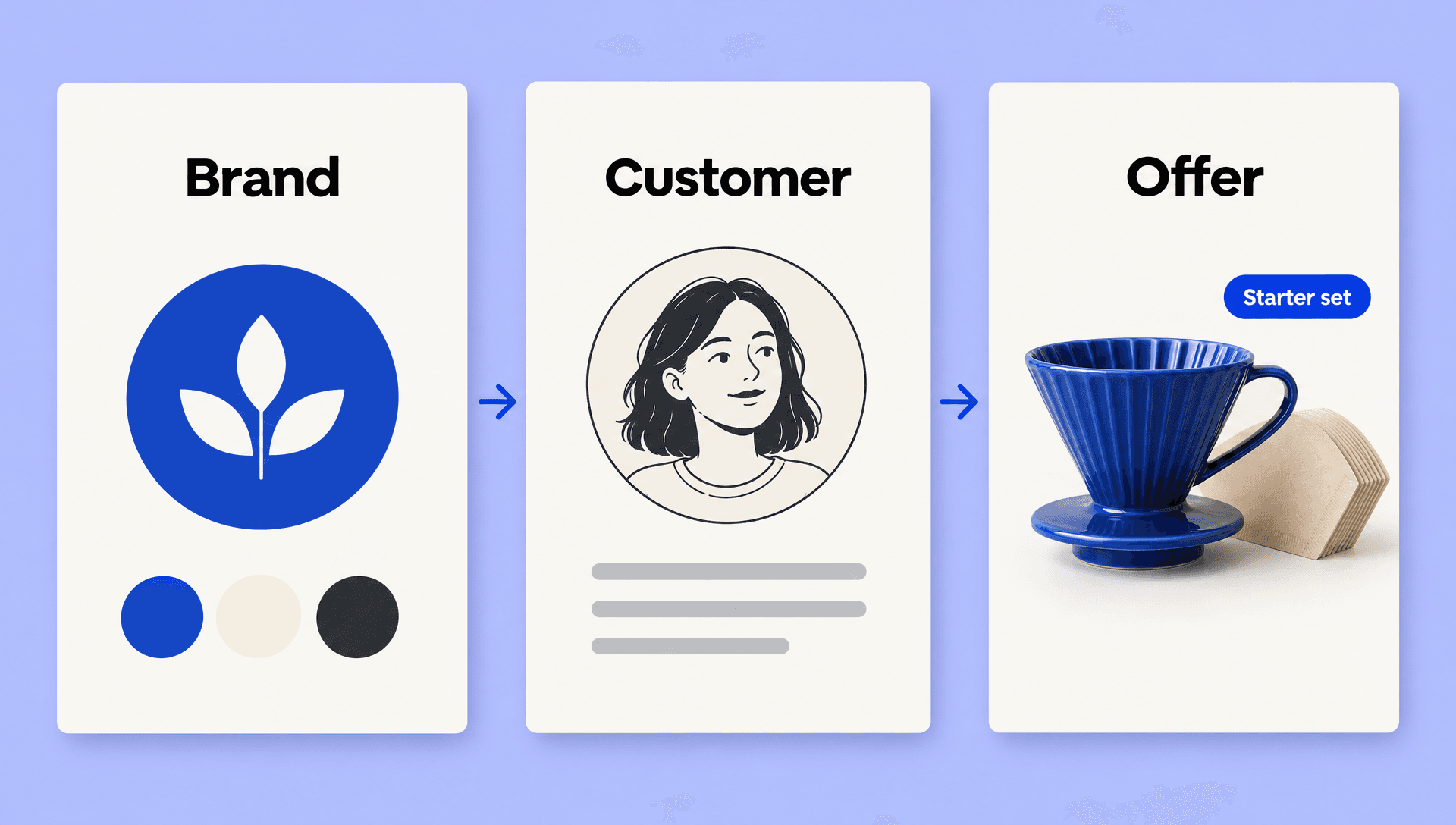
It starts with your brand identity: what you stand for, and how you look and sound, so every page feels like it came from the same business.
Then it gets specific about your customer. You build a context engine, a blueprint of who you are selling to and what they care about, which your AI can use every time it writes or builds for you.
It ends with the offer. A good product at a fair price is rarely enough, so you shape an offer that is hard to say no to.
Module 2: Pages That Sell
A page can look great and still not sell.
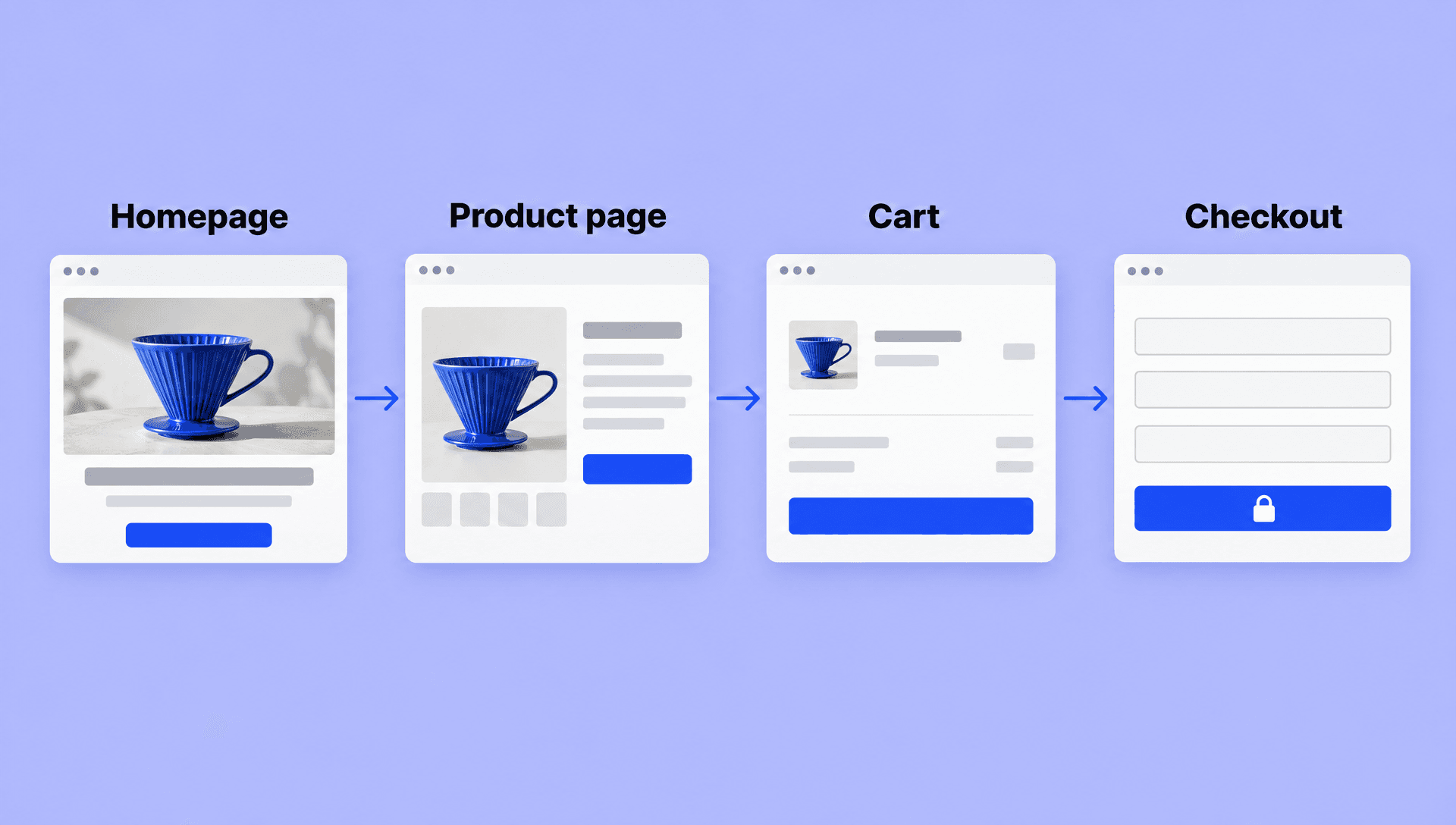
This module goes through a store one page at a time: the homepage, the product page, the cart and the checkout. For each one, you see what keeps people moving and what makes them leave. Then it turns to the words, and how to write copy that sells.
After that it gets practical. You get your store ready to take orders, and you put it live.
Module 3: Funnels
Should you send people to your store or to a funnel? This module starts with that question, because the answer changes what you build.
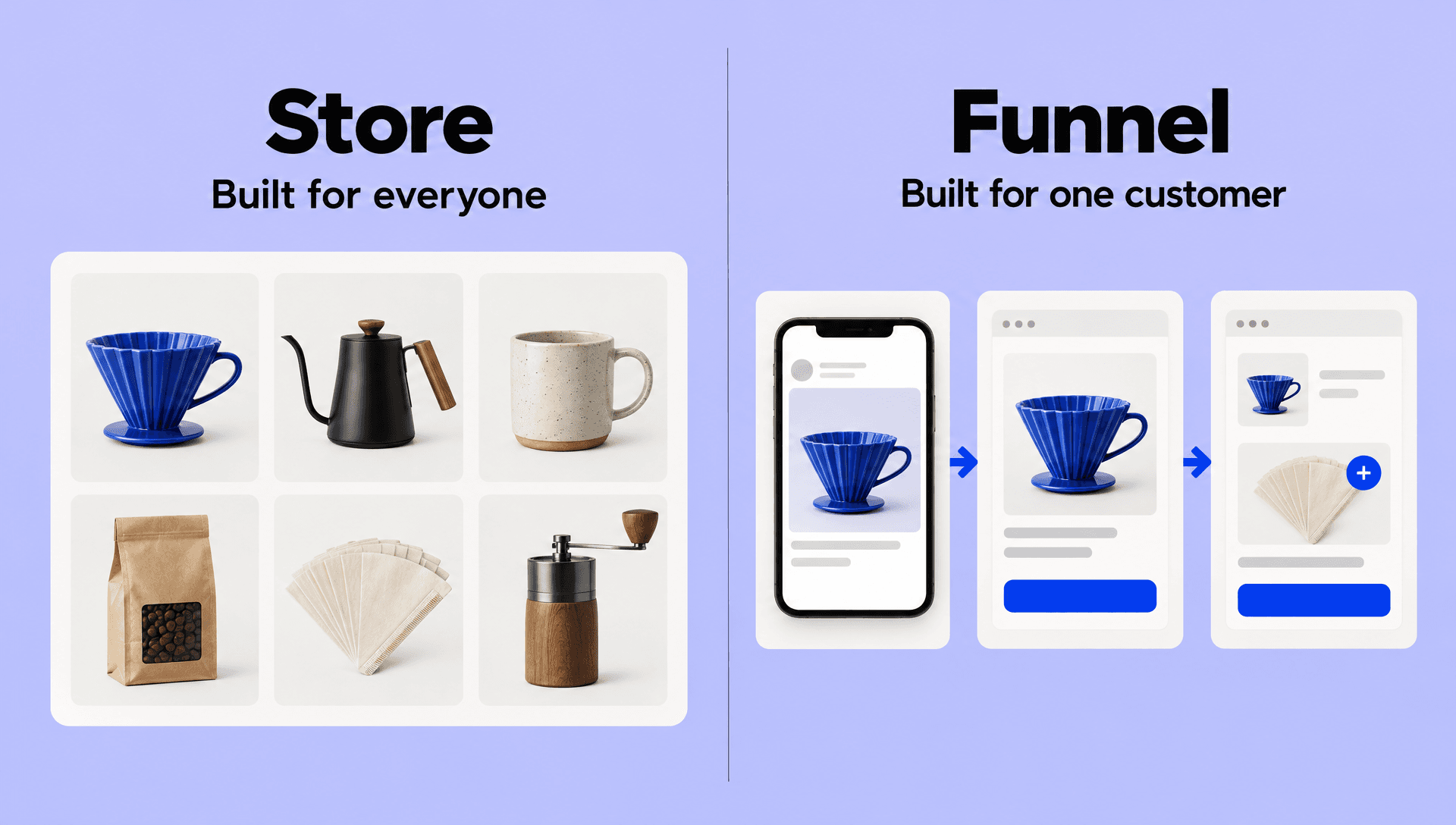
From there it shows how a funnel works, and why a journey built around one specific customer keeps beating a page built for everyone.
It finishes with order value: how to get bigger orders from the people who are already buying.
Module 4: Ads
Before you spend anything on ads, it helps to know how they really work.
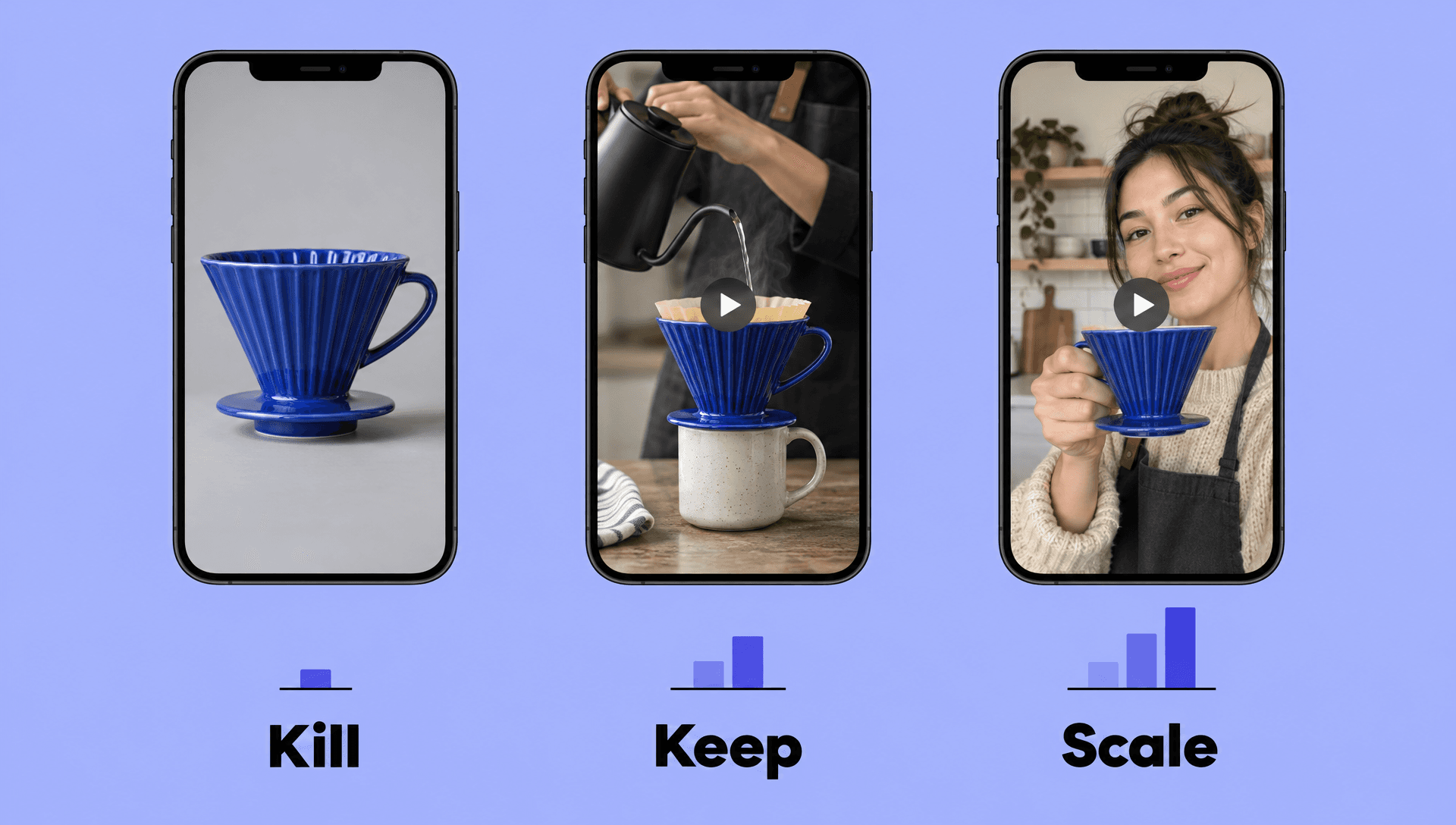
So this module starts there, and with what makes an ad good enough to stop someone scrolling. It covers video and UGC-style ads, takes you through launching your first campaign, and shows you how to run ads with your AI doing much of the work.
The last part is the one that protects your budget: reading the results and deciding what to kill, what to keep and what to scale.
Module 5: Tracking and Analytics
If your tracking is wrong, every decision after it is a guess.
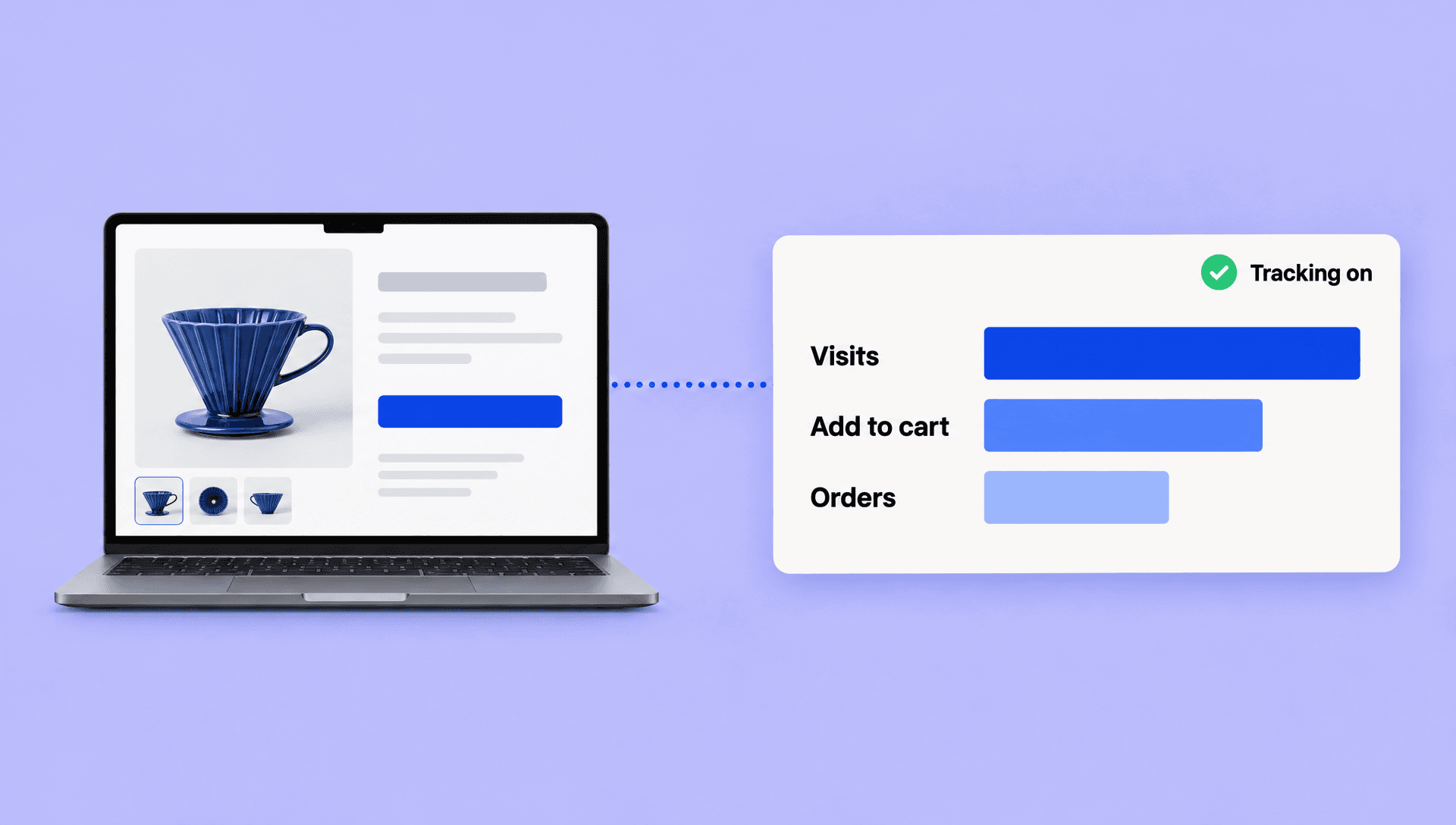
This module is about making sure your tracking works, so the numbers in front of you match what is happening in your business. Get this right and your pages, funnels and ads become things you can measure and improve.
Module 6: A/B Testing
Two headlines. Two offers. Two versions of the same page. Which one sells more?
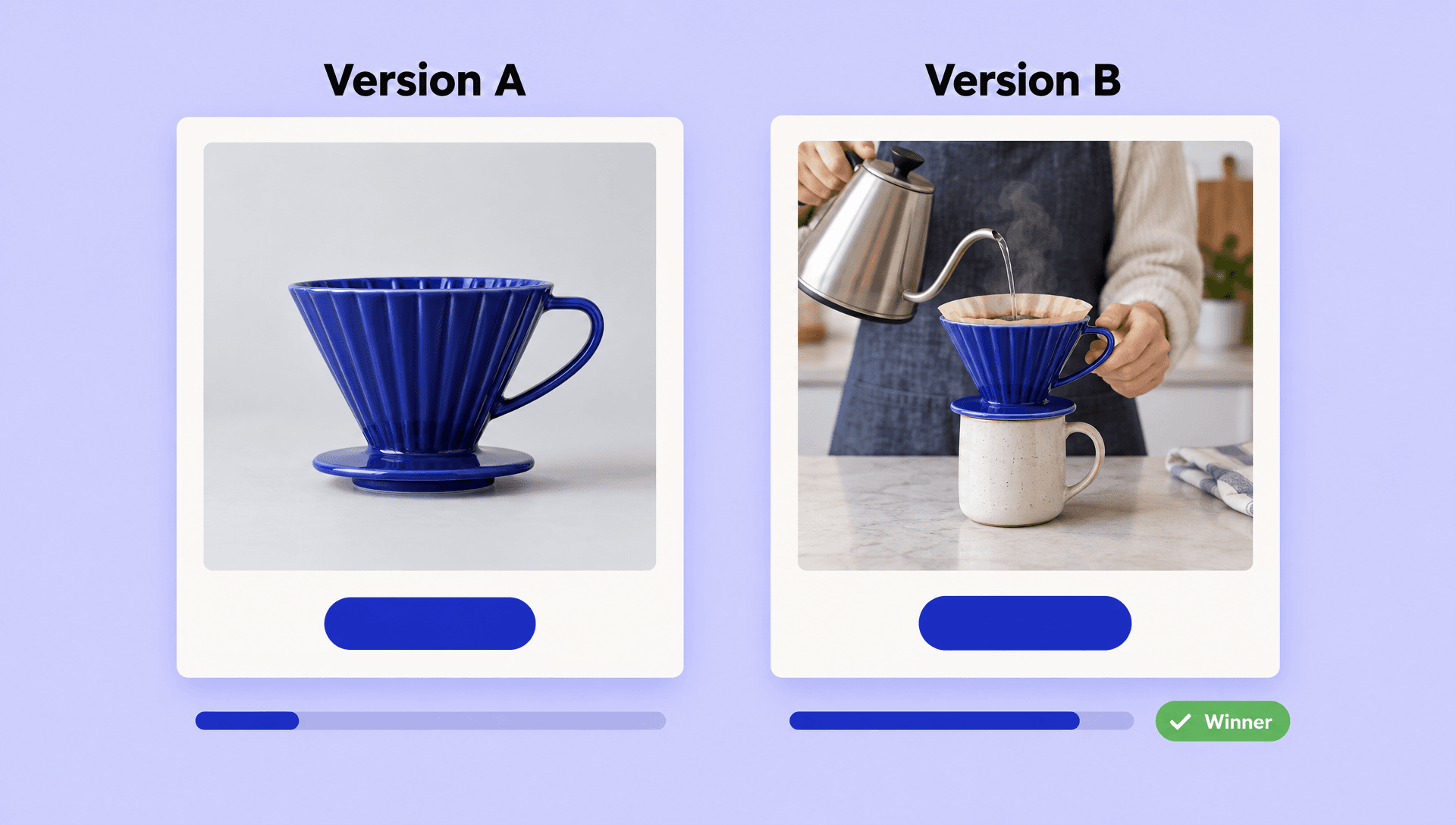
This module is about finding out properly: putting one idea up against another and letting your customers decide, not your gut.
Module 7: Running the Business
Getting the first order is the start. After that, the business has to run.
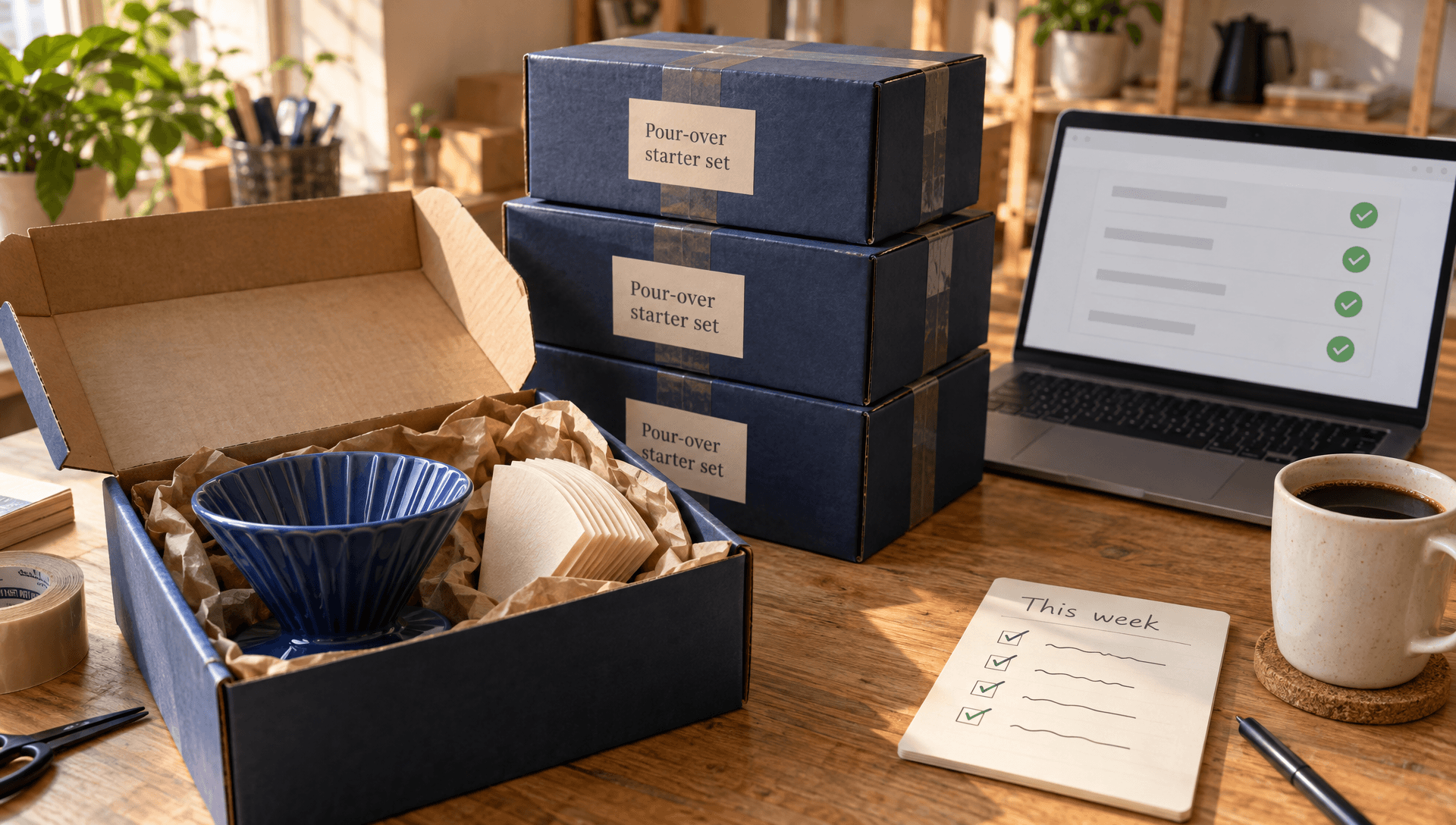
This module covers what happens once people buy: handling orders, looking after customers, and writing emails that sell.
It also shows you how to hire AI teammates to take work off your plate, and how to set a weekly routine that keeps everything moving.
These are still being made. When they arrive, the first two come with the Starter plan, and Inner Circle and higher plans get all seven.
Start With One Video
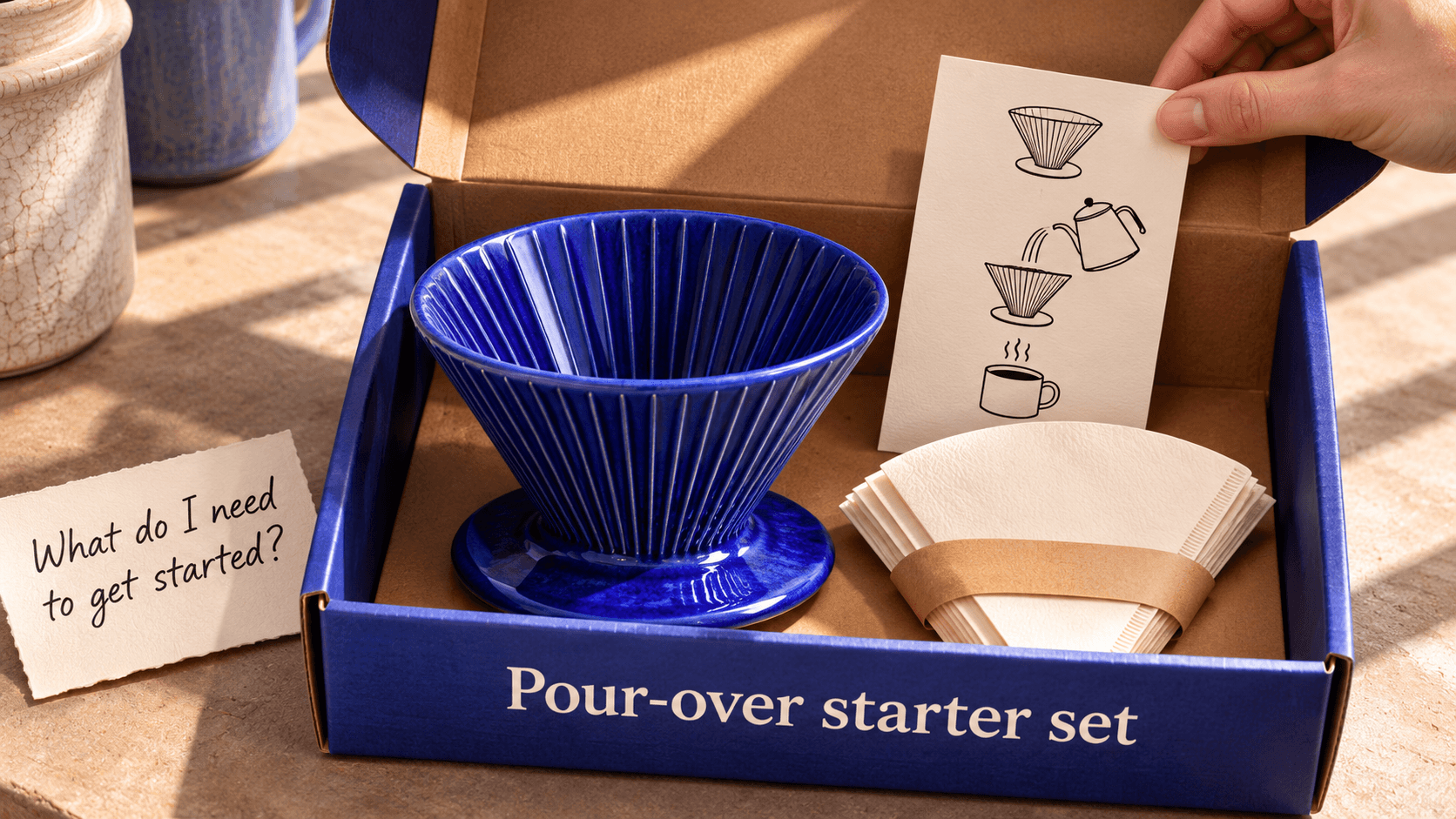
You don’t have to wait for the modules.
The setup guides and platform tutorials are inside AlphaWeb now. If there’s a page you’ve been meaning to fix, or one you’ve been putting off publishing, pick the video that covers it and follow along.
Haven’t built anything yet? Start with a GlowUp. It shows you what could be better about your online business and gives you something real to work on.
Run your free Ecom GlowUp
Launch or scale your ecommerce business. AI does the deep research and builds your strategy, store, offers, checkout, funnels, ads and branding, plus a clear plan to grow your conversions and revenue.